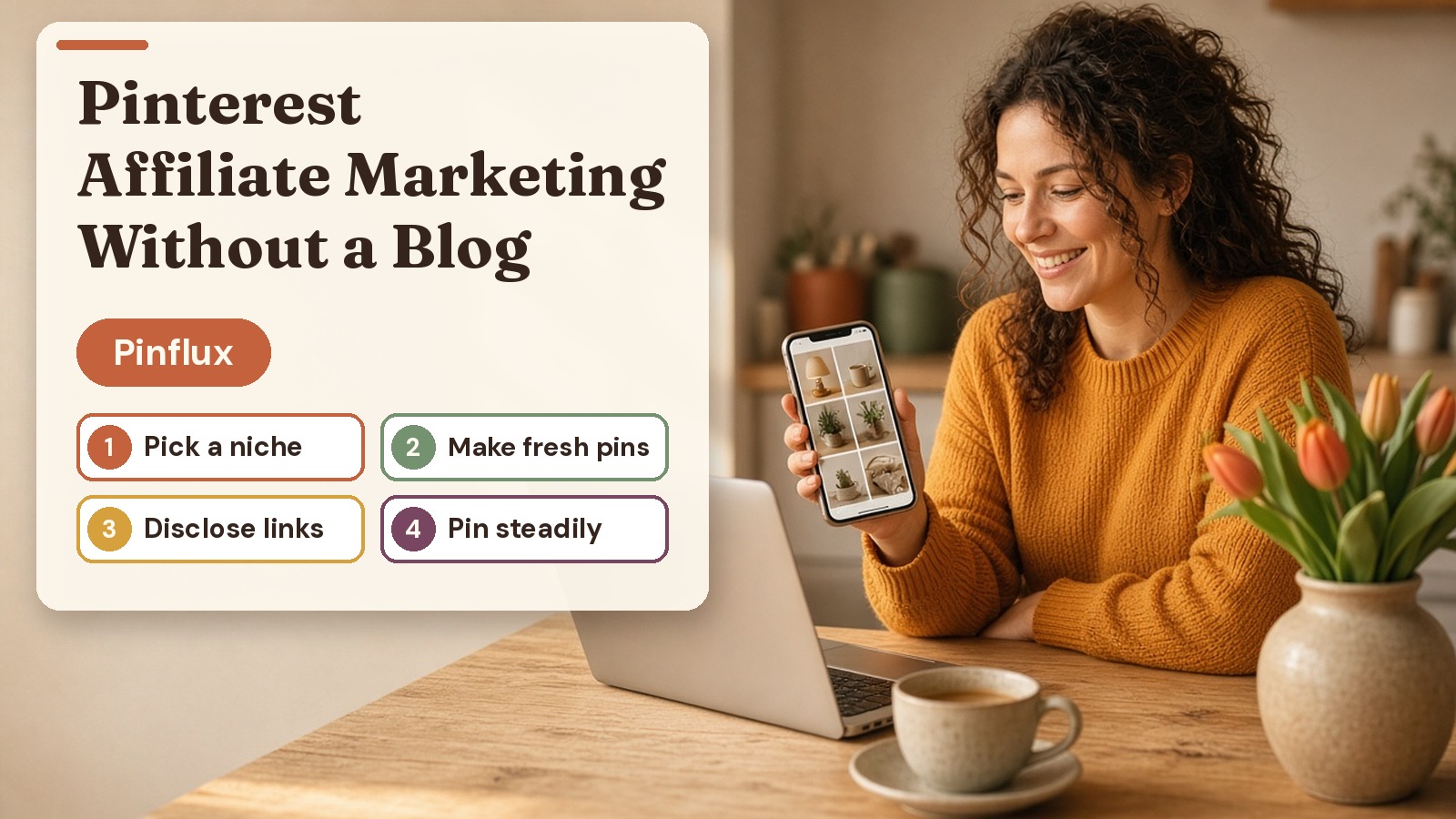
For years I thought affiliate marketing needed a blog. Write the review, rank it on Google, wait six months, then maybe see a commission.
Pinterest doesn't work that way. You can put an affiliate link right on a pin. Someone sees a lamp they love, taps the pin and lands on the product page. No blog post in the middle.
That's the workflow I want to walk you through. How I pick a niche, join a program that allows direct links, make pins people actually want to save, and keep them going out every week without living inside Pinterest. I'll also show where Pinflux, the Pinterest tool my team at Teknikforce makes, takes the busywork off my plate.
One honest note before we start. I won't promise you a number. What you earn depends on your niche, your pins, the programs you join and how long you keep going. Anyone who quotes you a monthly figure for this is guessing.
Can you really do Pinterest affiliate marketing without a blog?
Yes, and Pinterest says so itself. Its own guide to getting started with affiliate links on Pinterest tells you to create a pin as usual, then paste your affiliate link in the destination link field in place of a normal product URL.
A few details from that guide matter a lot.
- Pinterest isn't part of your affiliate deal. You join a program or network yourself, and your commission comes from that program's terms.
- Pinterest names some official partners. Rakuten, LTK, ShopStyle and Amazon Associates US.
- The link should go straight to the shop's product page. Not a homepage, not a landing page full of other links.
- Your title and description should match the page. If the pin shows a linen duvet cover, the link should open that duvet cover.
If you sell through Amazon, there's another route. Pinterest lets you connect an Amazon Storefront and tag Amazon products in your pins. It applies your affiliate links to tagged products and shows an affiliate link disclosure on those pins automatically.
The rules I follow so my account stays healthy
This is the part most "make money on Pinterest" videos skip. I read Pinterest's Commercial and Branded Content Guidelines and Community Guidelines before I put a single affiliate link on a pin. Here's what they ask of affiliates, in plain words.
- Run one account. Pinterest says that in general you should operate only one account, and it should be your authentic presence.
- Make original pins that add value. Copying someone else's pin and swapping in your link is exactly what Pinterest calls spam.
- Be open about the link. Say it's an affiliate link. If you live in the European Economic Area, Pinterest asks you to use a clear disclosure such as a hashtag or a label where one is available.
- No surprises. People should be able to guess where a pin will take them. Pinterest may block links with heavy redirects, and some link shorteners aren't supported.
- Don't game it. No fake accounts, no asking people to save your pins in exchange for something, no keyword stuffing.
- Go easy on automation. Pinterest's spam rules say not to use automation it hasn't explicitly approved. I'll come back to this when I talk about tools, because it matters.
Outside Pinterest, the FTC in the United States expects you to disclose any money you earn from a recommendation, and to put that disclosure right next to it. Not only in your profile and not buried in a pile of hashtags. Your affiliate program will have its own rules too, so read them. Some programs don't allow direct links on social sites at all.
My workflow at a glance
Here's the whole thing on one page. I'll go through each step below.
| Step | What I do | Where Pinflux helps |
|---|---|---|
| 1. Pick a niche | Choose one topic where people plan purchases, such as home decor or gifts | Search pins and boards by keyword to see what's popular |
| 2. Join programs | Sign up for affiliate programs that allow direct links on Pinterest | Not needed for this step |
| 3. Set up the account | Free business account, clear profile, boards named after real searches | Manage boards from one place |
| 4. Make fresh pins | Tall images with a clear title, my own photos or AI images | AI creates pin images and writes titles and descriptions |
| 5. Add link and disclosure | Direct product link plus a plain affiliate note in the description | Custom descriptions, links and calls to action on each pin |
| 6. Schedule | A steady trickle of pins to relevant boards | Pinning schedule across boards with spaced timing |
| 7. Review | Check Pinterest analytics and my affiliate dashboard | Reports on every action the app takes |
Step 1. Pick one niche where people plan to buy
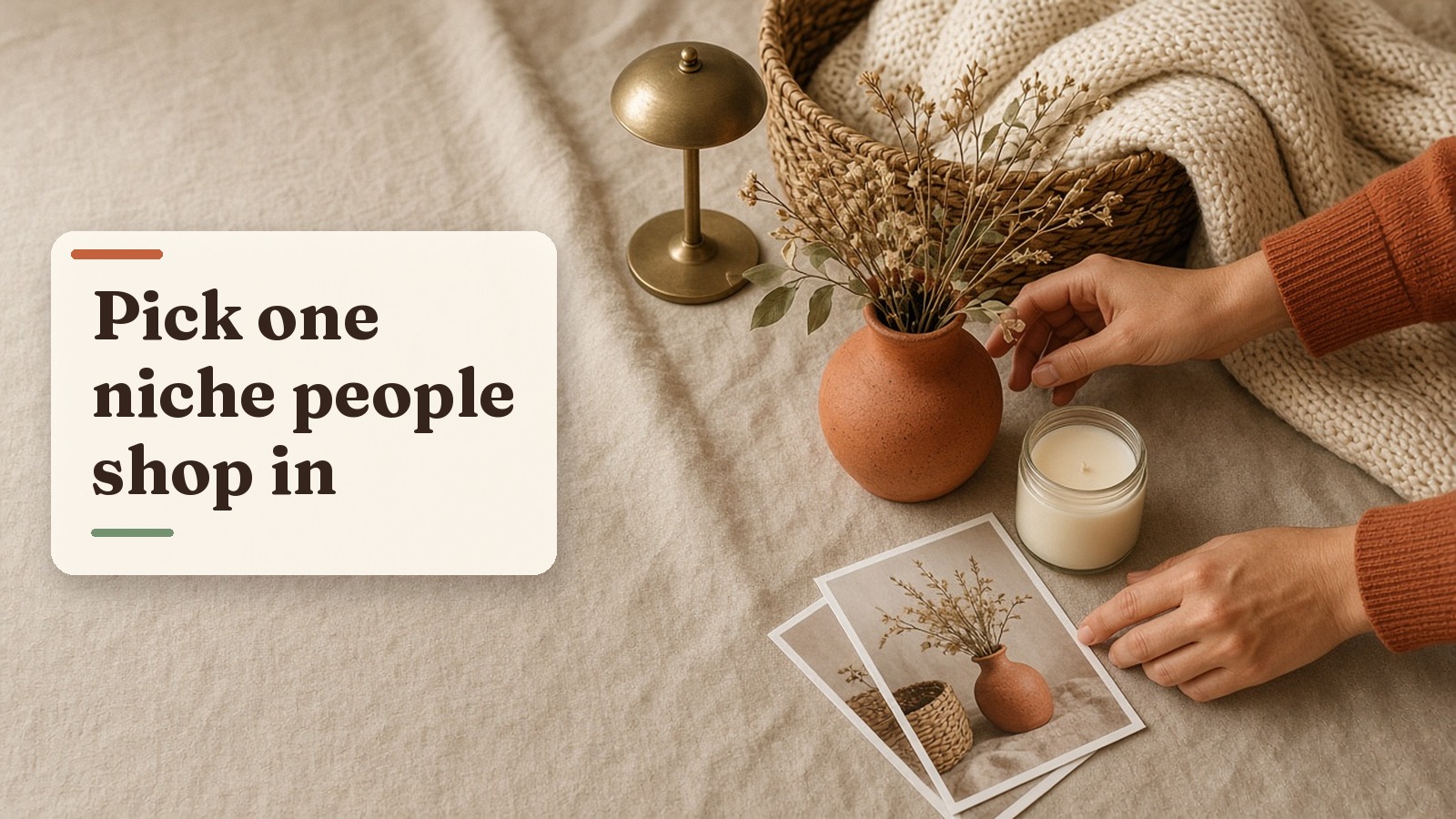
Pinterest is a planning app. People go there to plan a kitchen redo, a wedding, a holiday table or a new wardrobe. Pinflux's own sales page lists home decor, recipes, fashion, travel, gift ideas and DIY and crafts as niches it works in, and those line up well with how people use Pinterest.
For affiliate work I want a niche where the pin leads naturally to a product. Here's how I think about a few.
| Niche | Pin ideas that lead to a product | What I'd link to |
|---|---|---|
| Home decor | Cozy reading corner, small balcony makeover, entryway refresh | Lamps, rugs, throws, planters |
| Kitchen | Pantry organization, gadgets that save time, coffee station ideas | Storage jars, tools, small appliances |
| Gift ideas | Gifts for new moms, gifts for gardeners, stocking stuffers | Specific products under each idea |
| DIY and crafts | Beginner embroidery kit, candle making setup, watercolor supplies | Starter kits and materials |
| Fashion | Capsule wardrobe, outfits for a beach trip, cold weather layers | Individual clothing items and accessories |
| Travel | Carry on packing list, road trip kit, travel gadgets | Bags, organizers, chargers |
I pick one and stay there for a while. A tight niche makes boards look trustworthy, and it helps Pinterest understand who should see my pins.
Step 2. Join affiliate programs that allow Pinterest links
This is where I slow down. Before I join anything I read the program's terms and look for three things.
- Does it allow links on social platforms, and on Pinterest in particular?
- Does it allow direct links, or does it want traffic to go through your own website?
- What disclosure does it require?
Pinterest's official partners are a sensible place to start because they already work with Pinterest. Big retailers and craft or home brands often run programs through networks too. Whatever you join, keep a simple list of each program, its link rules and its cookie window, so you're never guessing later.
Step 3. Set up a Pinterest account that looks like a person
A free Pinterest business account gives you analytics, which you'll want. I fill in the profile like a real person would. A name, a photo, and one sentence about what I pin and that some links are affiliate links.
Then I create boards named after what people type into Pinterest search. Start typing a topic in the search bar and Pinterest suggests longer phrases. Those suggestions make good board names. "Small balcony ideas" beats "My Stuff" every time.
If you want to go deeper on Pinterest search, I covered keywords and boards in my guide on using Pinterest to drive more traffic to your blog. The same search habits apply even when there's no blog at the end.

Step 4. Make fresh pins people want to save
The pin is the product. If it doesn't stop someone's thumb, nothing else matters.
Here's what I aim for on every pin.
- A tall image. Pinterest is a vertical feed.
- The product in a real setting. A rug in a living room sells better than a rug on a white background.
- A short text overlay that names the idea, like "Cozy reading corner ideas".
- A title and description that match the product page and use the words people search for.
This is where most people burn out. Making new images and writing a fresh title and description for every pin takes hours. And repeating the same text across dozens of pins looks spammy.
So I let Pinflux do the first draft. Its AI can create pin images and write posts, and it can rewrite titles and descriptions so each pin reads differently. Pinflux v3.09 added a choice of AI writing models and a newer image model, which I covered in the Pinflux v3.09 update. I still read every title before it goes out, because I'm the one responsible for what the pin claims.
Two cautions on AI images. Don't let an AI image show a product that looks different from the real one, and don't make it look like a real person is using something they never touched. Pinterest's rules call out synthetic media that misrepresents a product.
Step 5. Add the link and say it's an affiliate link
On each pin I paste my affiliate link as the destination link. It goes straight to the product page. I don't use a shortener that hides where you're going.
Then I add a plain disclosure near the top of the description, written in normal words. Something like "Affiliate link. I may earn a commission if you buy, at no extra cost to you." The FTC suggests simple words people understand, and it warns against hiding disclosures among hashtags.
If a brand pays me or gives me something to feature its product, that's a paid partnership. Pinterest has a paid partnership tool that adds a label to the pin, and I use it in addition to my own note.

Step 6. Schedule pins at a steady pace
Pinterest rewards showing up regularly. A few good pins most days does more than fifty pins dumped on a Sunday.
Pinflux lets me set a pinning schedule for each board and keeps pins going out without me opening Pinterest every morning. It spaces posts out when two are due at the same moment, and it runs on my own Windows computer rather than a shared website, so I'm not sharing an IP address with everyone else's automation.
Here's the honest part I promised. Pinflux doesn't use the Pinterest API, and Pinterest's spam policy says not to use automation it hasn't explicitly approved. So I treat automation with care. On an affiliate account I keep the pace slow and natural, pin only to relevant boards, and leave the bulk follow and unfollow features switched off. Read Pinterest's rules yourself and decide how much you're comfortable automating. If you'd like to compare options first, my list of Pinterest scheduling tools covers a dozen of them.

Step 7. Check what's working and do more of it
Once a week I look at two places.
- Pinterest analytics for saves, outbound clicks and which boards pull their weight.
- My affiliate dashboard for clicks and sales by product.
Pins that get saved but not clicked usually need a stronger reason to tap. Pins that get clicks but no sales often point to the wrong product or a weak product page. I make new versions of the winners with fresh images and titles, and I stop making the ones nobody saves. Pinflux keeps a report of everything it posts, which helps me match a pin to its results.
Mistakes I see people make
- Pinning the same image again and again with the same affiliate link. That's the repetitive content Pinterest's spam rules describe.
- Running five accounts to multiply reach. Pinterest asks affiliates to keep one authentic account.
- Hiding the disclosure in the profile or at the end of a long description.
- Linking to a homepage instead of the exact product.
- Using a shortener or redirect chain that makes people guess where they're going.
- Pinning products you'd never recommend just because the commission is higher.
- Quitting after two weeks. Pinterest is search, and search takes time.
A few common questions
Do I need a blog for Pinterest affiliate marketing?
No. Pinterest lets you add an affiliate link as a pin's destination link, as long as it goes directly to the shop's product page and you're open about it being an affiliate link. A blog can help later, but it isn't required to start.
Which affiliate programs work with Pinterest?
Pinterest lists Rakuten, LTK, ShopStyle and Amazon Associates US as official partners. Many other programs allow Pinterest links too, but each sets its own rules, so check the terms before you pin.
How do I disclose affiliate links on Pinterest?
Put a short, plain note in the pin description where people will see it, such as "Affiliate link, I may earn a commission". If you live in the European Economic Area, Pinterest asks you to use a hashtag or a label where one is available. If a brand pays you or sends you free products, use Pinterest's paid partnership label too.
Can I use link shorteners on Pinterest?
Be careful. Pinterest says some shortener services aren't supported, and it may block links that use excessive or deceptive redirects. I paste the direct affiliate link instead.
Is it safe to use automation tools on Pinterest?
Pinterest's spam policy says not to use automation it hasn't explicitly approved. If you use a tool like Pinflux, keep a natural pace, post original pins to relevant boards and stay within Pinterest's guidelines. You're responsible for what happens on your account.
How much money can I make?
I can't give you an honest number, and I'd be wary of anyone who does. Results depend on your niche, the products, your pins, the programs you join and how long you keep at it.
Start your Pinterest affiliate workflow with Pinflux
Pinterest affiliate marketing without a blog comes down to a few habits. One niche, programs that allow direct links, fresh pins that match the product, a clear disclosure, and a steady schedule you can keep up for months.
Pinflux takes care of the slow parts. It finds popular pins and boards in your niche, creates pin images with AI, writes and rewrites titles and descriptions, adds your links and calls to action, and posts on a schedule across your boards from your own Windows computer. Pinflux Elite is $6.99 a month or $67 a year, and it comes with free upgrades, a Pinterest marketing video training and a 30 day money back guarantee.
Get Pinflux and spend your time on the pins, not the busywork.