
Pinterest rewards one thing above all: showing up. Fresh pins, every day, for months. Do that, and a single good pin can send you traffic for years.
That's where most of us fall off. You batch a week of pins, life gets busy, and your boards go quiet. Sound familiar?
A good Pinterest scheduler fixes that. The best ones now go further, using AI to write your titles and descriptions, make your images and space out your posts so they look natural. You set it up once, and the pins keep flowing.
We checked the official site, pricing page and a demo of every serious option. Here are the 12 worth your time in 2026, with current prices and honest pros and cons, starting with our top pick, Pinflux.
Quick comparison
Here's how all 12 compare at a glance. Prices are the lowest paid plan, checked in October 2026.
RankToolStarts atAI writes pins?Runs onBest for1Pinflux$6.99/mo or $67/yrYes, every pinWindows and Mac desktopHands-free Pinterest growth2Tailwind$17.99/mo (yearly)YesWebPinterest-first creators3Pin Generator$19.99/mo (yearly)Yes, credit-basedWebBulk pins from URLs and stores4PublerAbout $4/mo per account (yearly)YesWebBudget multi-platform scheduling5Buffer$5/mo per channelYesWebSimple, clean scheduling6Later$18.75/mo (yearly)YesWebVisual planning across socials7Metricool$20/mo (yearly)Yes, limitedWebScheduling plus analytics8SocialBee$29/moYesWebEvergreen content categories9Pallyy$25/moYesWebSmall agencies10Planoly$14/moLimitedWeb and mobileVisual creators11SocialPilot$25.50/mo (yearly)YesWebAgencies with many clients12Hootsuite$99/mo (yearly)YesWebLarge teams
How we picked these tools
How did we narrow it down?
We started with the tools that rank on Google for Pinterest scheduler and Pinterest scheduling tool. Then we checked each one directly: its official site, its pricing page and a demo video.
We judged them on three things. How much of the work they take off your plate. How well they suit Pinterest, not just social media in general.
And what it really costs to keep pinning every single day, all year.
1. Pinflux

The Pinflux homepage
Every other tool on this list is a calendar. You still write the pins, find the images and decide when each one goes out.
Pinflux works differently.
It's a Pinterest automation app for Windows and Mac that does the daily work for you.
Here's how it works. You connect your Pinterest accounts and boards, add a few keywords for your niche, and set your schedule.
Then Pinflux gets busy. It writes a fresh, unique title and description for every pin, using your choice of leading AI models.
Need images? It creates them with AI too.
And it spaces out your posts automatically, across boards and accounts, so your activity looks natural instead of robotic. If two pins land on the same moment, it adds a short delay.
That's the part that matters most on Pinterest.
It can also find quality pins and boards by keyword, repin the best content in your niche, follow relevant accounts and unfollow ones that don't follow back.
Want sales, not just views? Add your own links and calls to action to your pins and send that traffic straight to your offers.
Because it's a desktop app, it runs quietly in the background on your PC, using your own Pinterest API key. No third-party website holding your logins. A full activity report shows you everything it did.
Best for: bloggers, affiliates and store owners who want Pinterest traffic on autopilot.
Why it's the best value
Now look at what Pinterest scheduling costs elsewhere.
Tailwind's scheduling plan is $29.99 a month per account, or $17.99 on a yearly contract. Pin Generator starts at $19.99 to $29.99 a month. Later starts at $18.75 a month, billed yearly. SocialBee is $29.
Pinflux Elite? $6.99 a month, or $67 for a full year (about $5.58 a month).
That's less than three months of Tailwind on monthly billing.
And remember what you're getting for it. Not just a calendar, but AI that writes every pin, makes the images and paces the posting for you.
There's a free version to try first. Every paid plan comes with free upgrades, live chat support and a 30-day money-back guarantee.
Pricing: Elite Monthly $6.99/month or Elite Yearly $67/year, with free upgrades, 24/6 live chat support and a 30-day money-back guarantee. A free version is available. More accounts and boards, or running on a Windows VPS, are in-app upgrades.
Pros
- AI writes a unique title and description for every pin
- AI image creation built in
- Automatic, natural-looking post spacing
- Multiple accounts and boards
- Runs in the background on your own PC
- Cheapest plan on this list: $6.99 a month or $67 a year
Cons
- A desktop app, so there's no browser version
- Your computer (or a Windows VPS) needs to be running
- More accounts and boards need an in-app upgrade
2. Tailwind
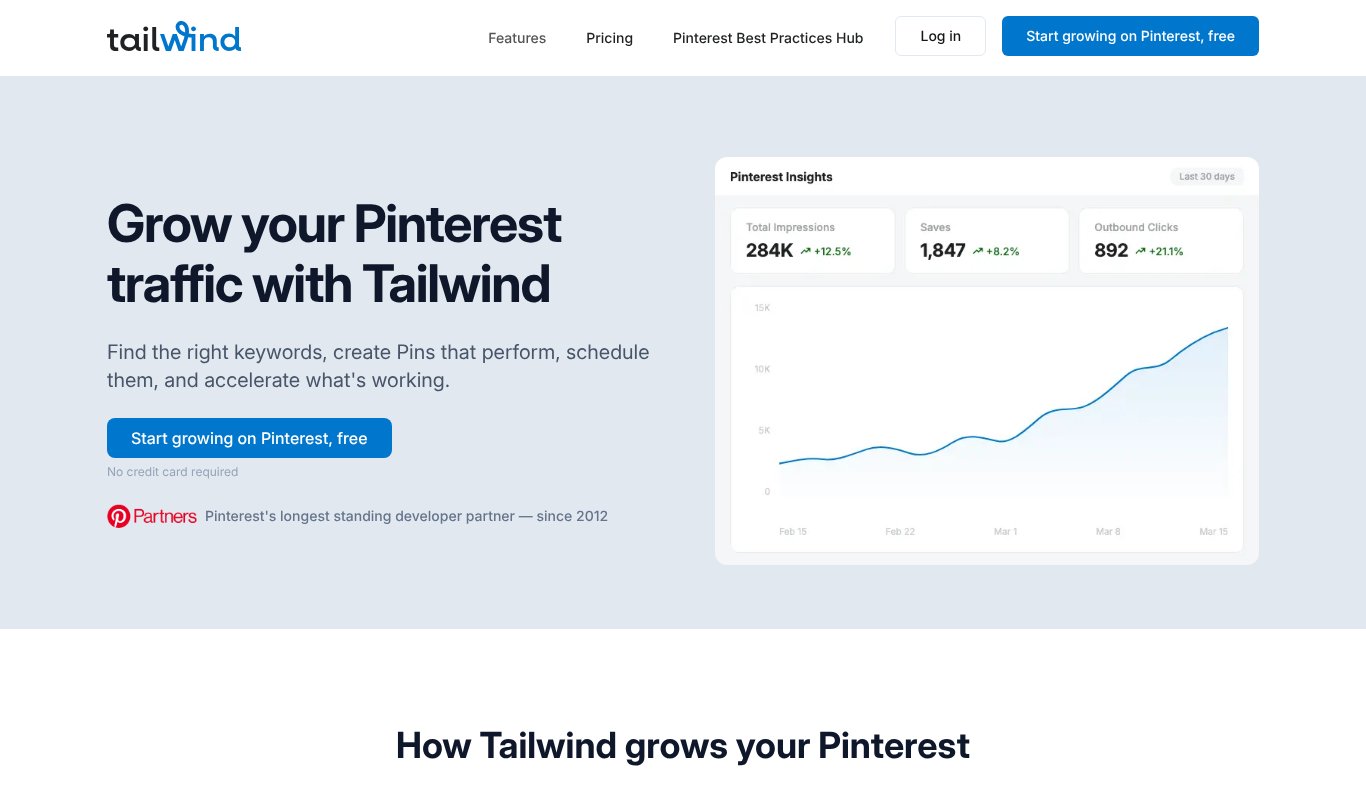
The Tailwind homepage
Tailwind is the name most Pinterest marketers know.
It's built for Pinterest first. It drafts pin ideas, writes copy, creates pins and posts them at smart times with pin spacing.
It's excellent. It's also priced per Pinterest account, with SEO and engagement sold as separate add-ons.
Best for: Pinterest-first creators with a budget.
Pricing: Free starter option. Pin Scheduling and Creation is $29.99/month or $17.99/month billed yearly per Pinterest account (300 credits). SEO and Engagement plans cost extra.
Pros
- Pinterest specialist with smart scheduling
- AI pin creation and copywriting
- Trusted by a huge creator community
Cons
- Priced per Pinterest account
- Credits cap how much you can create
- SEO and engagement tools are extra
3. Pin Generator
The Pin Generator homepage
Pin Generator is all about making pins fast.
Point it at a URL, a sitemap or your Shopify, Etsy or WooCommerce store, and it turns your pages into designed pins with AI titles and descriptions. Then it schedules them.
Everything runs on credits, though, and AI-designed images eat them quickly.
Best for: stores and bloggers making pins in bulk.
Pricing: No free trial. Pro is $29.99/month or $19.99/month billed yearly for 1,000 credits. Growth is $49.99/month and Agency $69.99/month.
Pros
- Bulk pins from URLs, feeds, CSVs and stores
- AI titles, descriptions and images
- Video pins and Canva import
Cons
- Fully AI-designed pins cost 12 to 24 credits each
- No free trial
- Credits make monthly costs hard to predict
4. Publer
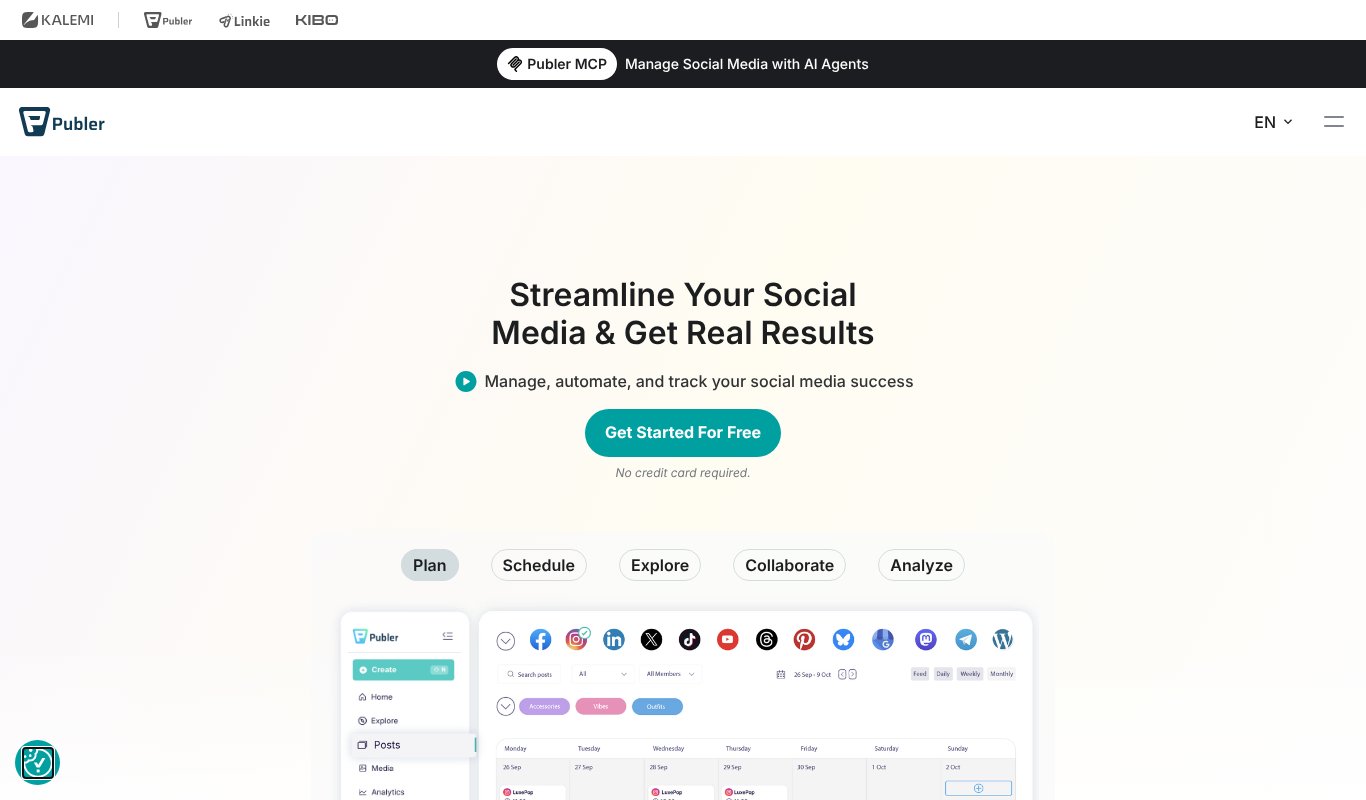
The Publer homepage
Publer is one of the best budget schedulers around.
It creates and schedules pins, supports bulk uploads and RSS automation, and its AI Assist can write text and make images.
Pricing is per account, so a single Pinterest account stays cheap.
Best for: budget-minded marketers on several platforms.
Pricing: Free plan with 3 accounts and 10 scheduled posts each. Professional is about $5/month for the first account ($4 billed yearly). Business is about $10/month ($8 yearly), with unlimited AI.
Pros
- Cheap per-account pricing
- Bulk and RSS scheduling
- Unlimited AI on Business
Cons
- Free plan needs 100+ Pinterest followers or a claimed site
- Price calculator can be confusing
- Unlimited AI only on Business
5. Buffer
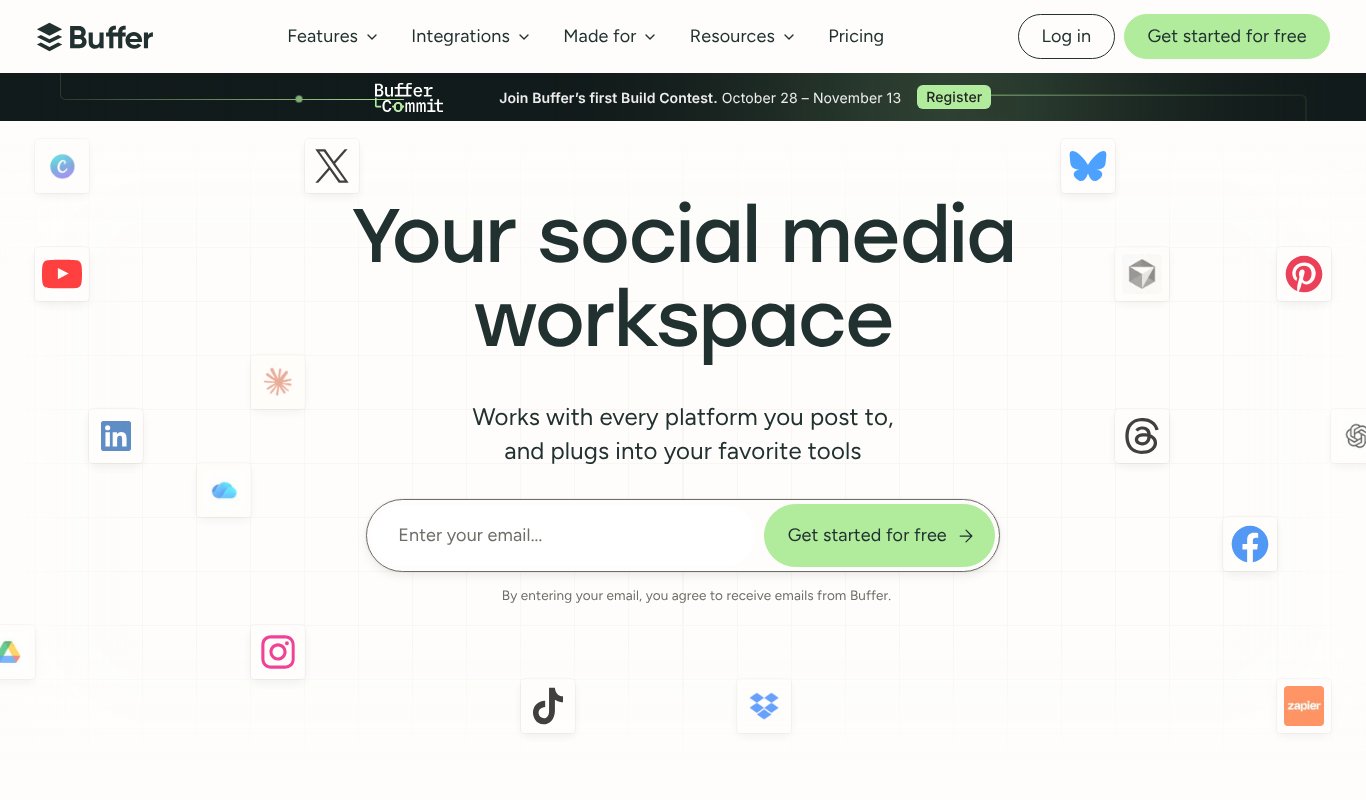
The Buffer homepage
Buffer keeps things simple, and people love it for that.
Connect Pinterest, write your pin, pick a board and a time. Done.
Its AI Assistant helps rewrite and repurpose text, and the free plan is genuinely useful for testing.
Best for: anyone who wants a clean, no-fuss scheduler.
Pricing: Free plan for 3 channels and 10 scheduled posts each. Essentials is $5/month per channel and Team is $10/month per channel, with a 14-day trial.
Pros
- Very easy to use
- Generous free plan for testing
- Low per-channel pricing
Cons
- Only 10 queued posts per channel on Free
- No AI image creation for pins
- Costs climb as you add channels
6. Later

The Later homepage
Later is a polished visual planner used by a lot of creators and brands.
Drag your pins onto a calendar, preview them, and schedule them along with Instagram, TikTok and the rest.
The catch? Starter allows just 30 posts per profile a month. That's one pin a day.
Best for: brands planning visually across several networks.
Pricing: 14-day free trial, no free plan. Starter is $18.75/month billed yearly (30 posts per profile), Growth $37.50 and Scale $82.50.
Pros
- Slick visual calendar
- Covers all the major networks
- Good link-in-bio and analytics tools
Cons
- Low post limits on Starter
- Monthly prices aren't shown on the pricing page
- Only 3 months of Pinterest analytics
7. Metricool
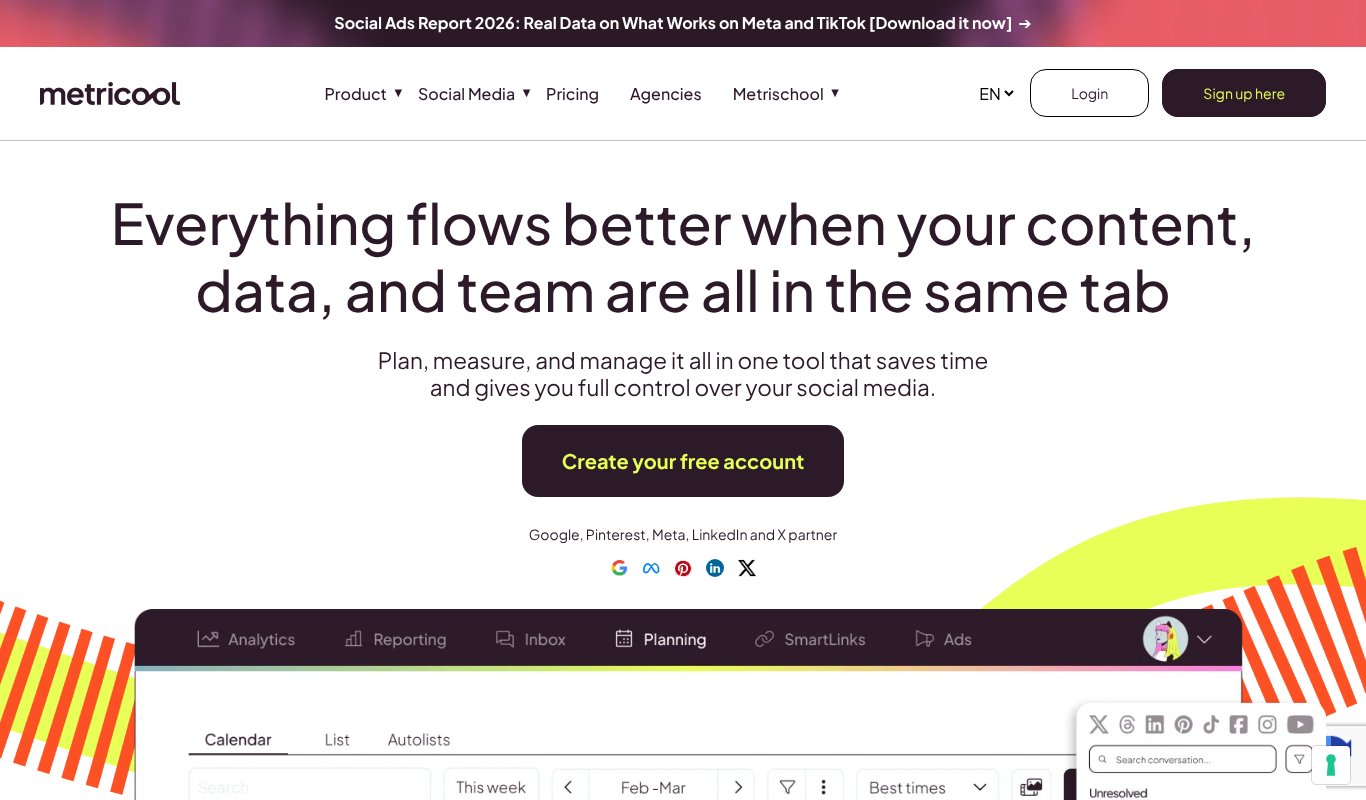
The Metricool homepage
Want numbers with your scheduling?
Metricool is analytics first. It schedules pins and shows how they perform, alongside competitor tracking for your other networks.
Best for: marketers who live in their analytics.
Pricing: Free plan with 1 brand and 20 scheduled posts a month. Starter is $25/month or $20/month billed yearly for up to 5 brands. Advanced starts at $53/month yearly.
Pros
- Strong analytics and reporting
- Pinterest works on the free plan
- Good value for several brands
Cons
- Free AI is capped at 5 credits a month
- Prices shown exclude VAT
- Pin creation tools are basic
8. SocialBee
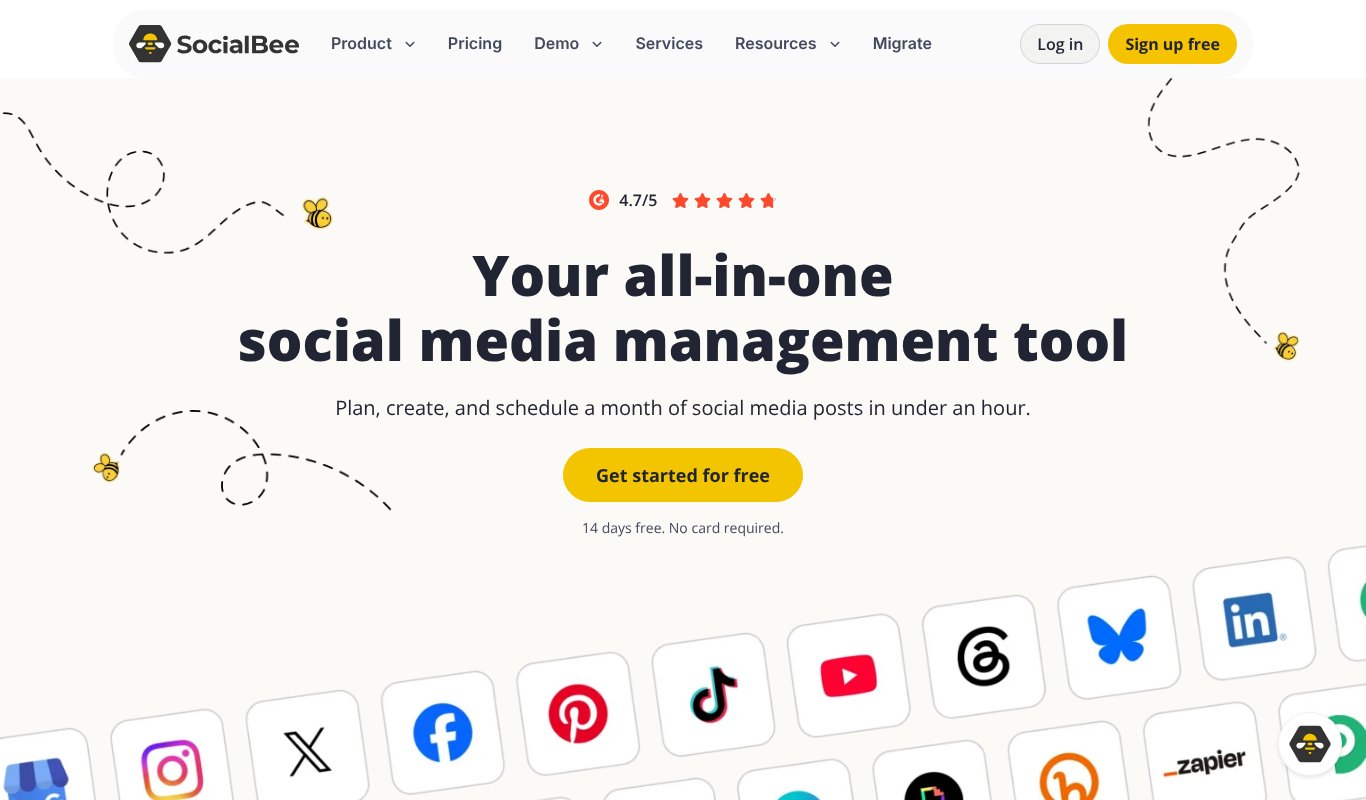
The SocialBee homepage
SocialBee sorts your posts into categories and recycles your evergreen content on a schedule.
That suits Pinterest nicely, since good pins keep working for months.
Unlimited AI captions and images come on every plan.
Best for: recycling evergreen content across networks.
Pricing: 14-day free trial. Bootstrap is $29/month or $290/year for 5 profiles, Accelerate is $49/month and Pro $99/month.
Pros
- Content categories and evergreen recycling
- Unlimited AI content on all plans
- 30-day money-back guarantee
Cons
- Pricier than most at entry level
- Only 5 profiles on Bootstrap
- Not built around Pinterest
9. Pallyy
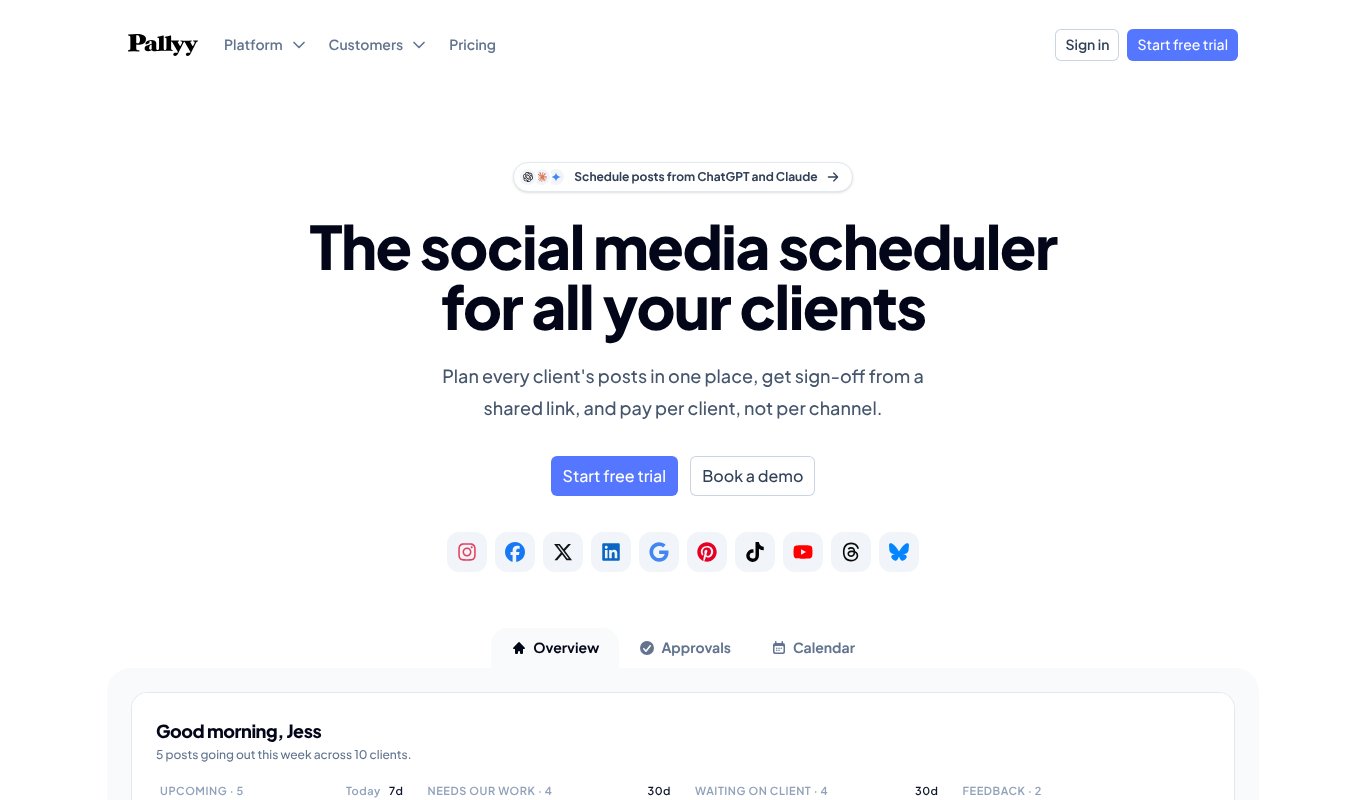
The Pallyy homepage
Pallyy is a tidy, affordable scheduler that agencies like.
Pinterest is one of its integrations, with a visual calendar, a content library and client sharing.
Best for: small agencies and freelancers.
Pricing: Free plan with 15 scheduled posts a month (images only). Pro is $25/month per social set, Agency $99 and Scale $199. Yearly billing saves up to 25%.
Pros
- Clean, easy calendar
- Usable free plan
- Good agency features for the price
Cons
- Pinterest features aren't detailed on the site
- Free plan is images only
- Extra social sets cost $10 a month each
10. Planoly
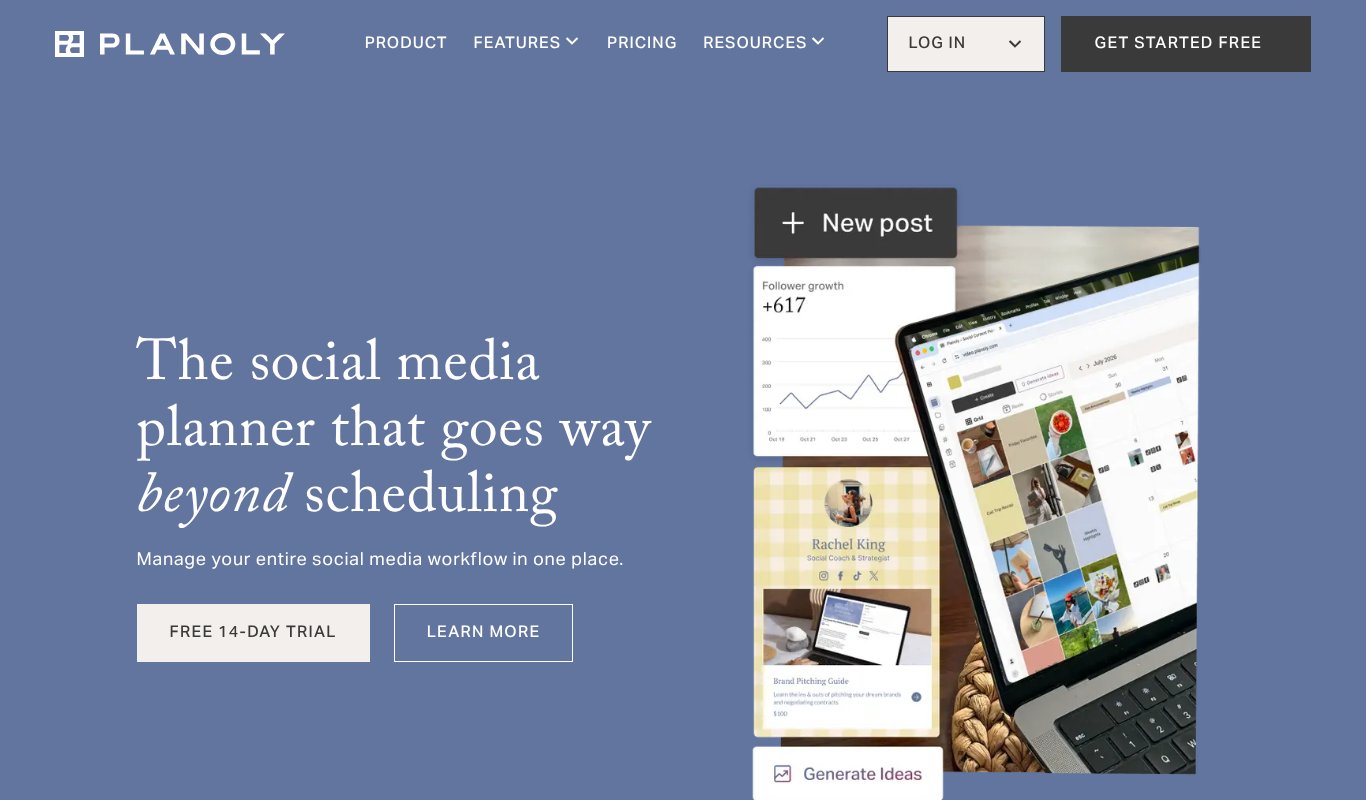
The Planoly homepage
Planoly started life as a visual Instagram planner, and it still shows.
Its Pin Planner gives you a grid and calendar view, so you can see how your pins will look before they go out.
Lovely for visual brands. Light on automation.
Best for: visual creators who plan by eye.
Pricing: Free plan on the mobile app only (10 uploads a month). Starter is $14/month, Growth $24 and Pro $47. Annual plans save up to 15%.
Pros
- Beautiful visual grid and calendar
- Affordable entry plan
- Mobile app for planning on the go
Cons
- Little AI help with pin copy
- Each social set links one Pinterest account
- Free plan is mobile only
11. SocialPilot

The SocialPilot homepage
SocialPilot is built with agencies in mind.
It handles Pinterest along with the usual networks, plus bulk scheduling, client approvals and white-label reports.
Best for: agencies juggling many client accounts.
Pricing: 14-day free trial. Essentials is $30/month or $25.50/month billed yearly for 7 accounts. Standard is $50, Premium $100 and Ultimate $200 a month.
Pros
- Good value per account for agencies
- Bulk scheduling and client approvals
- No credit card needed for the trial
Cons
- No free plan
- Pinterest tools are basic
- The official Pinterest demo is very dated
12. Hootsuite

The Hootsuite homepage
Hootsuite is the heavyweight of social media management.
It lets you create and schedule pins to several accounts or boards at once, preview them, and slot them into a shared calendar next to your other networks. OwlyWriter AI helps with pin copy.
It's powerful. It's also priced for big teams.
Best for: large marketing teams managing many networks.
Pricing: 14-day free trial. Standard starts at $99 per user per month billed yearly (up to 10 accounts), Professional at $199 and Advanced up to $399.
Pros
- Mature, reliable platform
- Approval workflows for teams
- Pinterest sits alongside every other network
Cons
- Most expensive tool on this list
- Pinterest is one channel among many, not the focus
- Overkill for a solo blogger or store owner
How to choose the right Pinterest scheduler
Still not sure? Start with how much of the work you want to keep.
If you want Pinterest to run itself, pick a tool that writes and paces your pins, not just one that queues them. Pinflux and Tailwind lead here, and only Pinflux does it for under $7 a month.
If you post to five networks, an all-in-one scheduler like Buffer, Publer or Later makes sense.
Count the posts, not just the price. Pinterest rewards volume.
A plan capped at 30 posts a month gives you one pin a day. Most serious pinners post several.
Watch for credits and per-account fees. They can quietly double what you pay as you grow.
Check your computer. Web tools work anywhere. Pinflux runs on Windows and Mac, so most people are already covered.
Test before you commit. Use a free plan, trial or money-back window, and give it a few weeks. Pinterest is slow to warm up.
Frequently asked questions
What is the best Pinterest scheduler?
For most bloggers, affiliates and store owners, Pinflux offers the best mix of automation and price. It writes your pins with AI, creates images and spaces out posting for $6.99 a month. Tailwind is the strongest web-based alternative.
Is it safe to automate Pinterest?
Yes, if you post quality content and follow Pinterest's guidelines. Natural spacing matters. Pinflux paces your posts automatically and uses your own API key, so you aren't sharing a reputation with other users.
What is the cheapest Pinterest scheduling tool?
Among paid plans, Pinflux is the cheapest full automation tool at $6.99 a month or $67 a year. Buffer and Publer have low per-channel prices and limited free plans.
Does Pinflux work on a Mac?
Yes. Pinflux works on both Windows and Mac. You can also run it on a Windows VPS with a VPS license, so it keeps pinning while your own computer is off.
Final verdict
So, which one wins?
If you run a big team across many networks, Hootsuite or SocialPilot will serve you well. Tailwind is still a great Pinterest specialist, if you don't mind the per-account pricing.
But if you want Pinterest traffic without writing pins every day, with AI titles, descriptions and images and natural spacing, Pinflux is the clear winner.
At $67 a year, it costs less than three months of Tailwind.
Try Pinflux today and put your Pinterest on autopilot.